





Description
PACYBITS FUT 20: Ultimate FUT Manager Tool
Overview
PACYBITS FUT 20 is a desktop application designed for fans of FIFA Ultimate Team 20, offering a centralized platform to manage and enhance gameplay experiences. The software aims to simplify the complex aspects of team building, player acquisition, and event participation within the FUT 20 ecosystem. Target users include both casual players and dedicated managers who seek tools to optimize their in-game strategies and maximize rewards.
By providing features such as unlimited team drafting, real-time player updates, and customizable tournament simulations, the app supports users in refining their squads and testing combinations before entering official matches. This functionality is particularly valuable for players aiming to stay competitive in a dynamic environment where new player cards are frequently released.
The developer, PACYBITS, has positioned the software as a comprehensive assistant for FUT 20 enthusiasts. While no additional details about the company’s background are available, the application’s focus on usability and feature integration suggests a targeted approach to enhancing user engagement. Real-world usage scenarios include daily team optimization, challenge tracking, and strategic simulation for upcoming events.
Key Features & Capabilities
- Unlimited Team Drafting – Users can create and re-create team combinations without restrictions, enabling experimentation with different player lineups and tactical setups.
- Real-Time Player Updates – The app notifies users when new player cards are released, helping them stay informed and act quickly during limited-time opportunities.
- Custom Tournament Simulations – Allows users to design and run practice matches to test squad performance and refine in-game strategies.
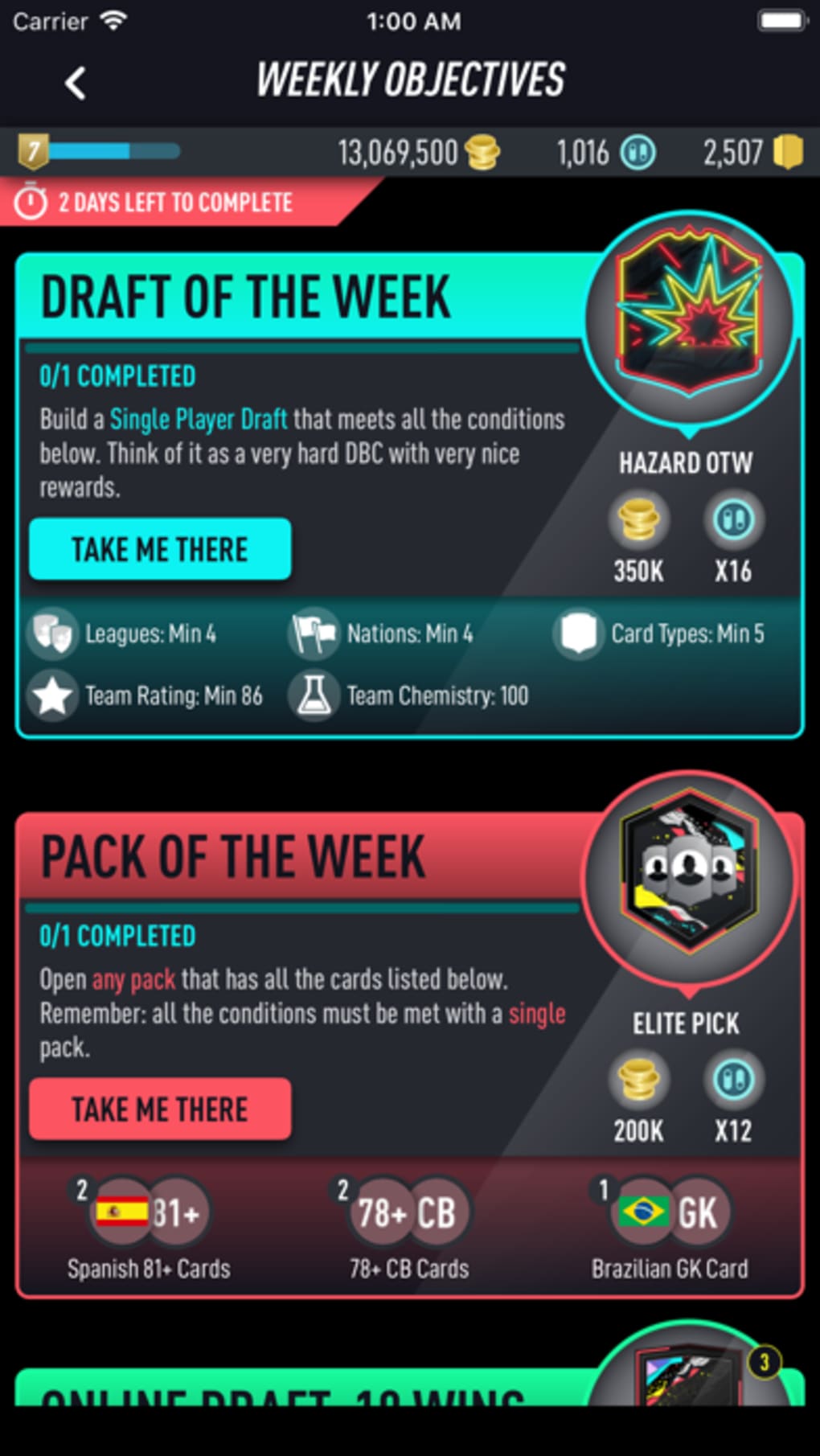
- Daily and Weekly Challenges – Offers structured objectives to earn rewards, with daily tasks being accessible and weekly ones providing higher-value incentives.
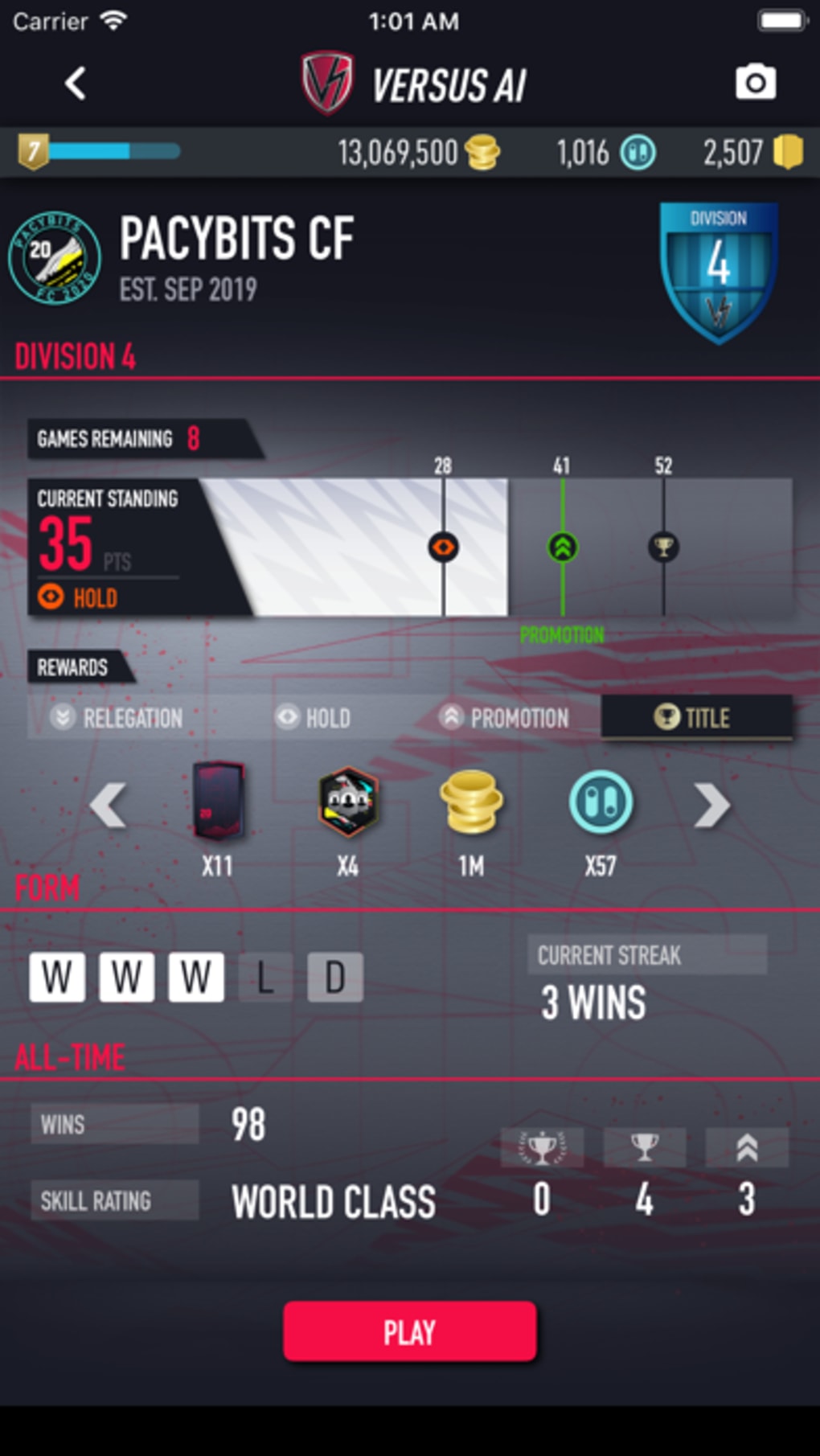
- Reward and Achievement Tracking – Centralizes progress on challenges and unlocks, giving users a clear overview of their accomplishments and rewards earned.
These features collectively support a streamlined workflow for managing multiple aspects of FUT 20. For example, a user can draft a new team, simulate a match against a rival’s lineup, complete daily objectives to gain points, and track progress toward unlocking achievements—all within a single interface. This integration reduces the need to switch between multiple tools or platforms.
User Interface, Workflow & Performance
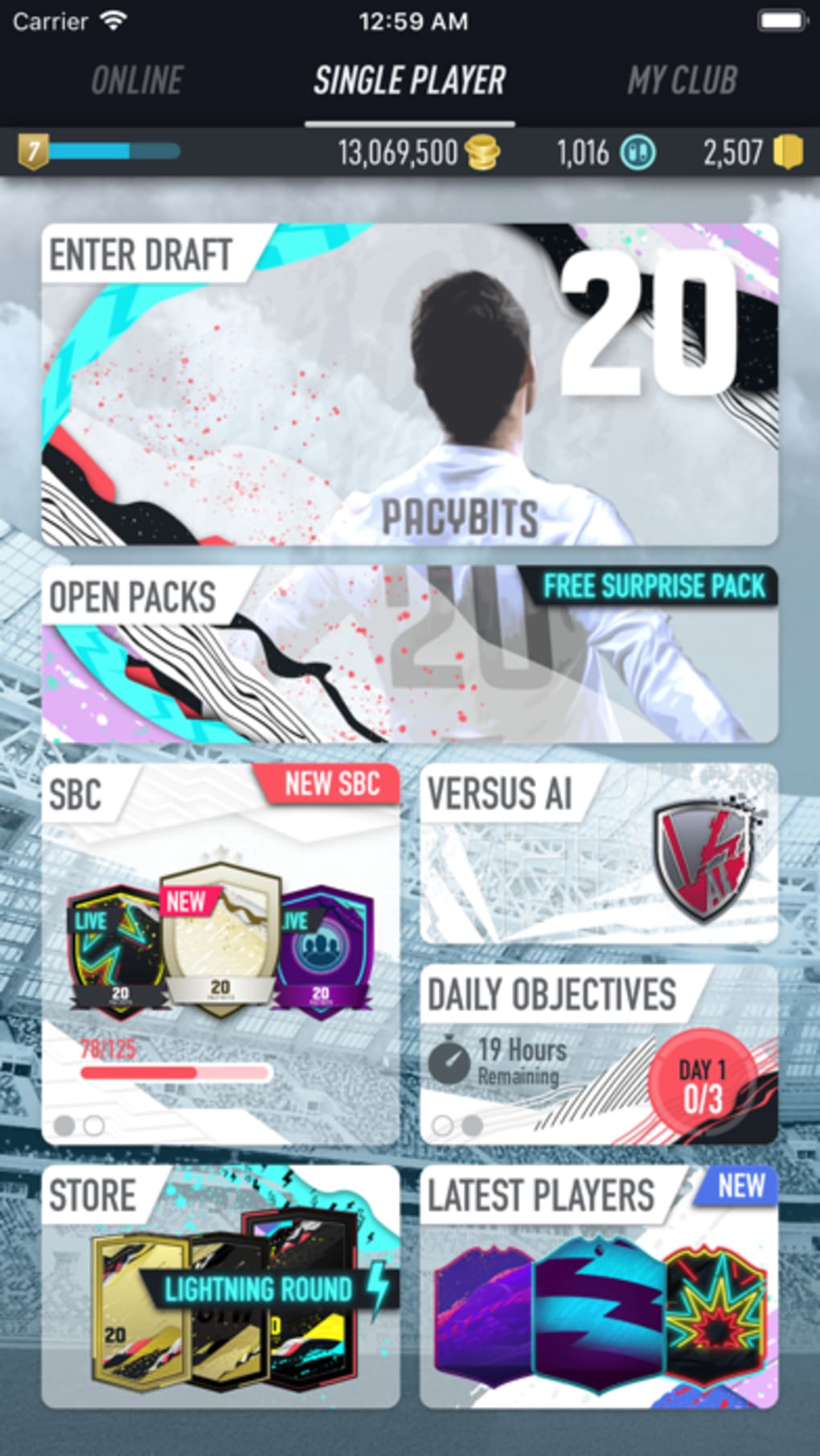
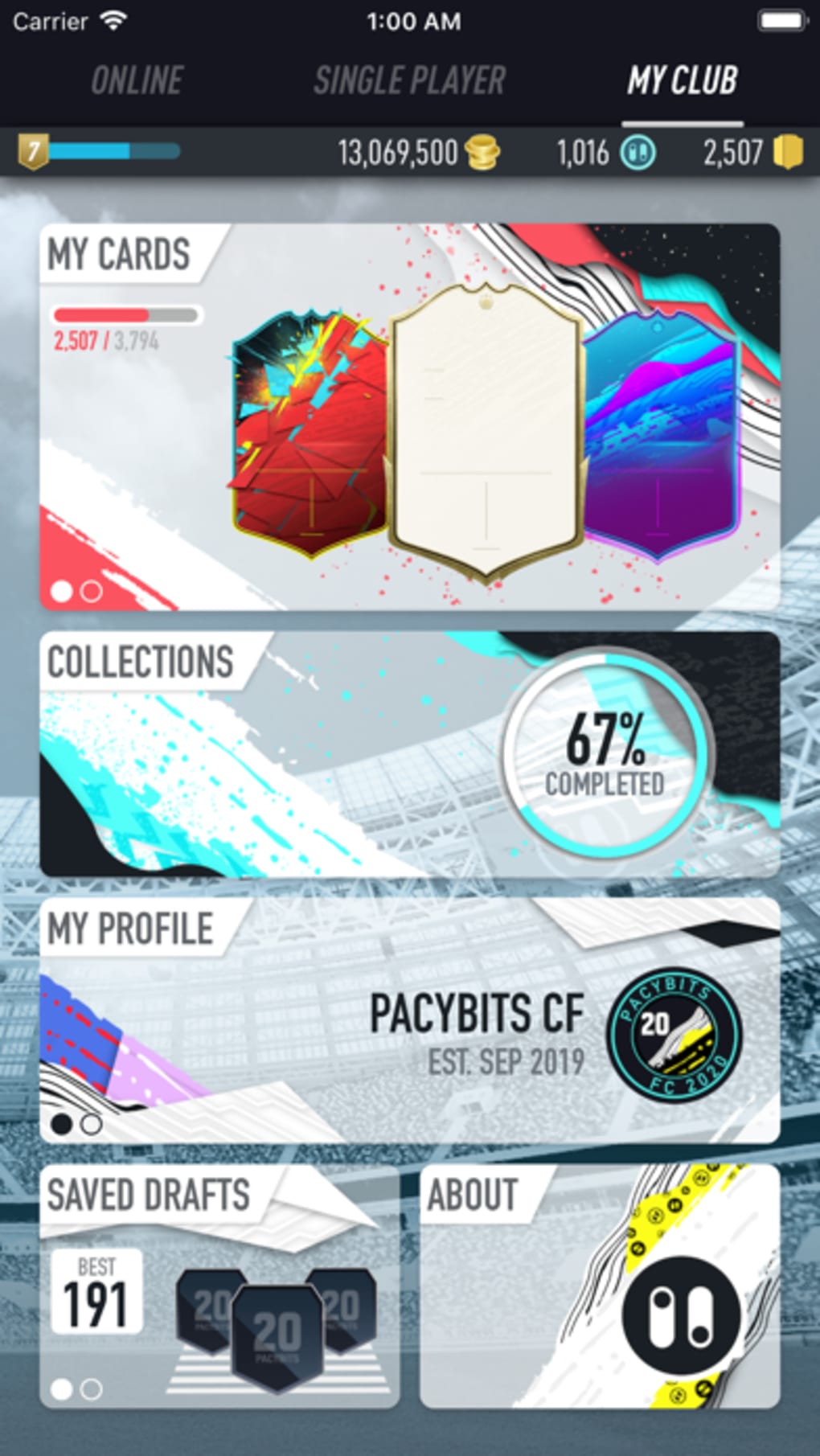
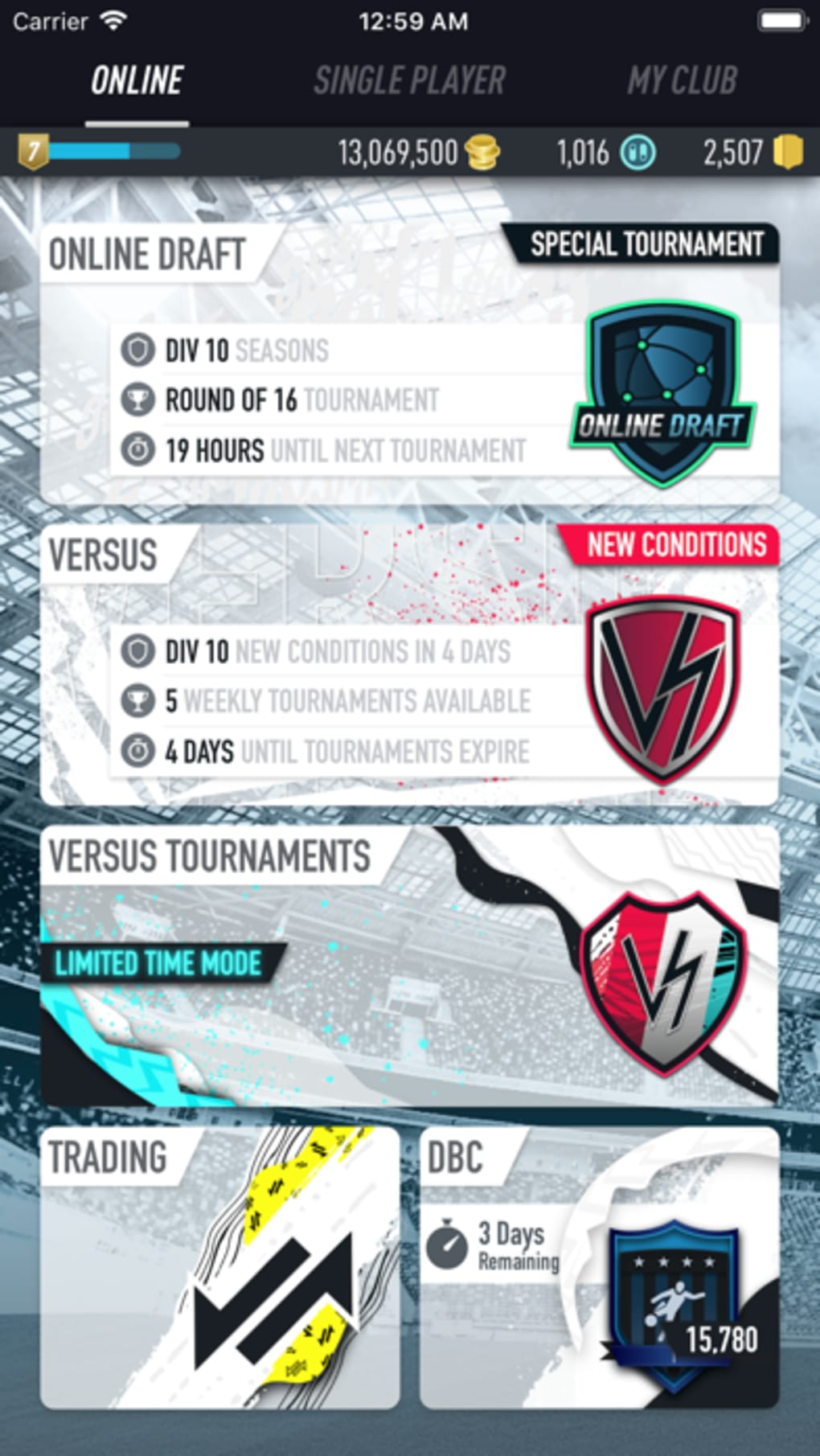
The user interface appears designed for intuitive navigation, allowing users to access core functions with minimal effort. While specific layout details are not provided, the emphasis on ease of use suggests a clean, organized structure that prioritizes accessibility for both new and experienced users.
Workflow efficiency is enhanced by the app’s ability to centralize key FUT 20 management tasks. Users can draft teams, monitor updates, and track challenges without navigating external websites or third-party tools. The developer did not specify resource usage details, so general performance observations are based on typical behavior for similar desktop applications.
Stability and responsiveness are expected to align with standard desktop software standards. However, exact CPU or RAM consumption was not disclosed. Users should expect consistent performance during regular use, though actual behavior may vary depending on system configuration and concurrent processes.
Compatibility & System Requirements
PACYBITS FUT 20 is compatible with both Windows and Mac operating systems, making it accessible to a broad user base across desktop platforms. The software version is 1.0, with an installation size of 50MB, indicating a lightweight footprint that should not strain system resources.
Exact system requirements were not listed. Users should ensure their devices meet standard desktop software requirements for running applications of similar scale. The developer did not provide information on minimum hardware specifications, such as processor speed, RAM, or graphics capabilities.
Pros and Cons
Pros
- Free to download and use with no cost barrier
- Supports both Windows and Mac platforms
- Offers unlimited team drafting for strategic experimentation
- Provides real-time notifications for new player releases
- Includes daily and weekly challenges to boost engagement
Cons
- No detailed system requirements were provided
- Performance metrics such as CPU or RAM usage were not disclosed
- Specific UI layout and navigation structure were not described
- Limited information on update frequency or long-term support
FAQ Section
Is PACYBITS FUT 20 available for both Windows and Mac?
Yes, the software is compatible with both Windows and Mac operating systems, allowing users on either platform to access its features.
Is the software free to use?
Yes, PACYBITS FUT 20 is available at no cost, with no subscription or in-app purchase requirements.
Does the app require an internet connection?
The app likely requires an internet connection for real-time updates and challenge synchronization, though offline functionality was not specified.
How often is the software updated?
Update frequency is not publicly detailed. Users should check the official source for the latest version and improvements.
Is the app secure to download and install?
As a desktop application from a known developer, PACYBITS FUT 20 is expected to be safe. Users are advised to download only from official channels to avoid potential risks.
Final Thoughts + CTA
PACYBITS FUT 20 delivers a focused, accessible solution for FIFA Ultimate Team 20 players seeking to streamline their management tasks. Its combination of unlimited drafting, challenge tracking, and real-time updates makes it a valuable tool for optimizing gameplay. While detailed technical specifications are limited, the app’s lightweight size and cross-platform availability enhance its appeal.
It is especially beneficial for players who want to test strategies, stay updated on new cards, and maximize reward opportunities without juggling multiple tools. The free model removes financial barriers, encouraging broader adoption among fans.
For anyone invested in FUT 20, this app offers a practical way to stay ahead. Download PACYBITS FUT 20 now.
Guides & Tutorials for PACYBITS FUT 20
How to install PACYBITS FUT 20
- Click the Preview / Download button above.
- Once redirected, accept the terms and click Install.
- Wait for the PACYBITS FUT 20 download to finish on your device.
How to use PACYBITS FUT 20
This software is primarily used for its core features described above. Open the app after installation to explore its capabilities.
User Reviews for PACYBITS FUT 20 0
No reviews found





